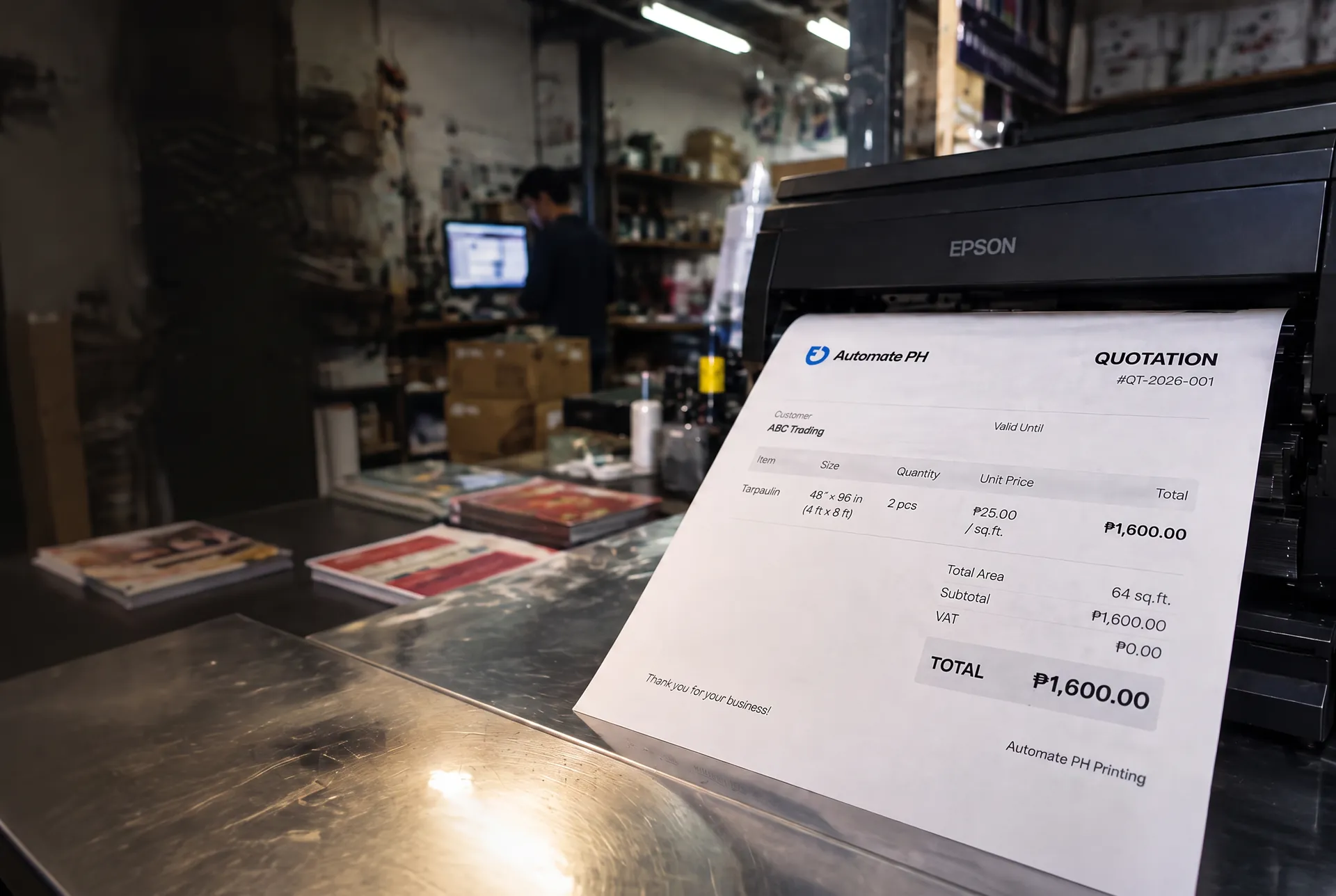

Print shop management software
Manage quotations, production, and billing without repeat encoding.

Carry quotation details into the job.
- Quotation
- Job Order
- Production
- Purchasing
- Inventory
- Invoice
- Profit
Use the left and right arrow keys to browse all workflow steps.
See who is handling the job and what happens next.
Production
Demo animation: a pointer opens JO-2026-041 from the job list, then Prepress, Printing, Finishing are checked off in order. The sample job for Northstar Events Co. is handled by Paolo Reyes. Sample job completed in 4 hours. Example duration, not a production-time guarantee. This is not live production tracking.
Get the materials the job needs.
Purchase request
- Requested from production
- Approved
- Purchase order created
Received materials update inventory.
See what arrived and what was used.
Inventory
- Vinyl tarpaulinPrint media28 m+12 mReceived
- Metal eyeletsFinishing320 pcs−80 pcsUsed
- Blue inkInk4 L−1 LUsed
Track job costs and profit.
JO-2026-041
No costs recorded yet
- Quoted price
- ₱20,000.00
- Materials used
- —
- Other recorded costs
- —
Based on the quoted price and costs recorded so far. This is not cash collected or a final accounting result.
Software for large-format and signage shops.
Use the left and right arrow keys to browse all print types.
 Offset
 Digital
 Large Format
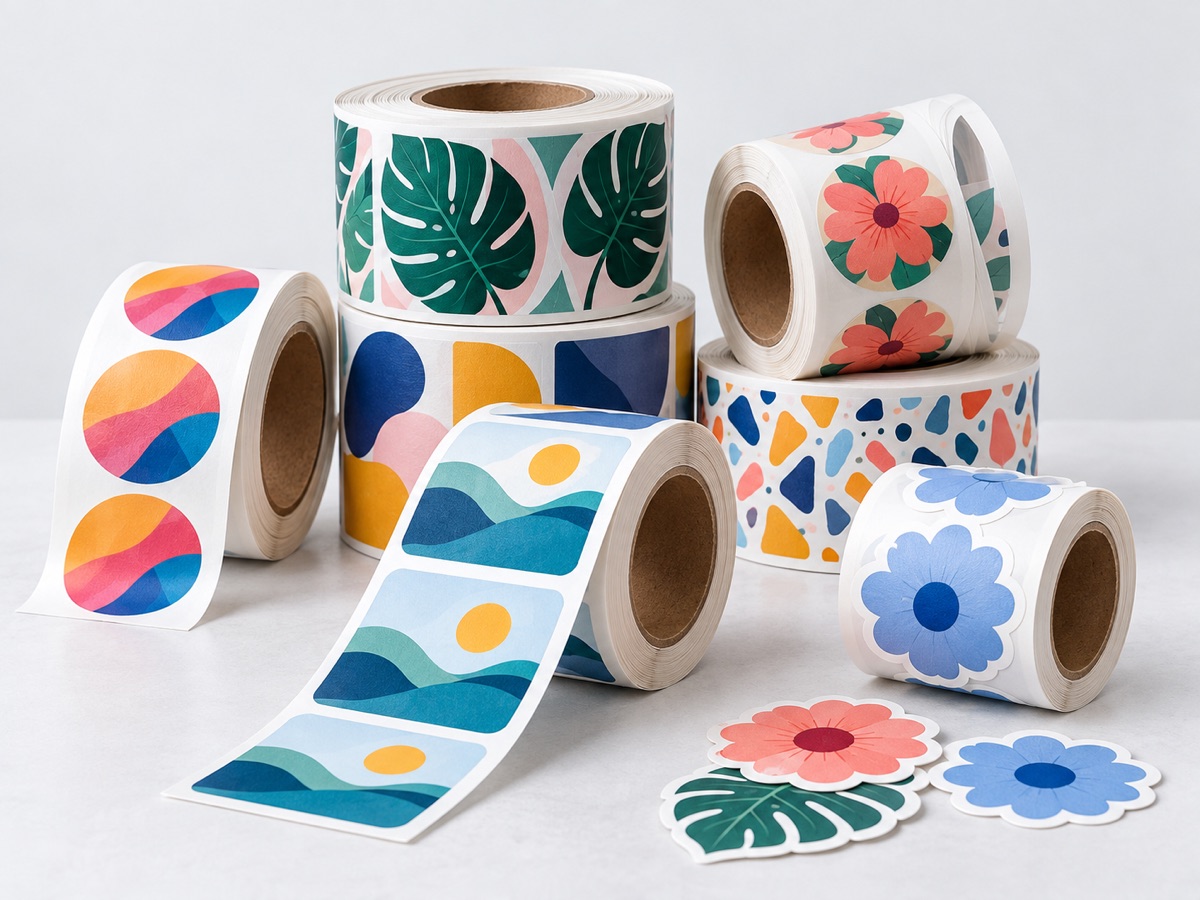 Labels & Stickers
 Packaging
Simple pricing, no setup fee.
Estimated monthly total
₱2,500
- ₱2,500per user / month
- Users 1–5
- ₱1,800per additional user / month
- After 5 users
Online subscription signup and billing changes are not available yet. Contact support for help. Each company has its own subscription.
What’s included
- Create quotations and job orders
- Plan and track production work
- Manage raw materials and stock movements
- Create purchase requests and orders
- Manage invoices and record payments
- See job costs and profit reports
- Manage customers and team access
Team access follows assigned roles.
Frequently asked questions
Can we test it before moving our work?
Yes. Try the free quotation workflow with 5 lifetime quotation creations per enrolled company. Book a demo to assess the wider operational workflow; the free quotation allowance does not unlock every feature.
How should we start with our staff?
Bring a typical printing job to the demo. Review the supported steps and who will handle them before deciding how to roll the workflow out to your team.
Does MultiPrint replace our accounting software?
Keep your accounting records in your existing accounting system. MultiPrint supports printing operations, billing records, and recorded job costs; accounting integrations and tax-document requirements need separate verification.
Can I use my own prices in the free estimator?
Yes. Use your own rate per square foot, square metre, or square inch, or enter a fixed price. Full-system quotes currently use square-foot or fixed pricing.
Who can create a job order from a quotation?
An owner or admin can turn an approved quotation into a job order.
Can I assign workers to jobs and production stages?
You can assign a worker to each job item. Assigning different workers to each production stage is still being prepared.
Can each job have different production steps?
Yes. Set the steps for each quoted item before work starts. During production, you can see the current step and record why work is on hold.
Can I request a refund?
Refund requests are reviewed case by case. Email hello@automateph.com with your request.
